Rendy for real estate tools for agents
Real estate tools for agents
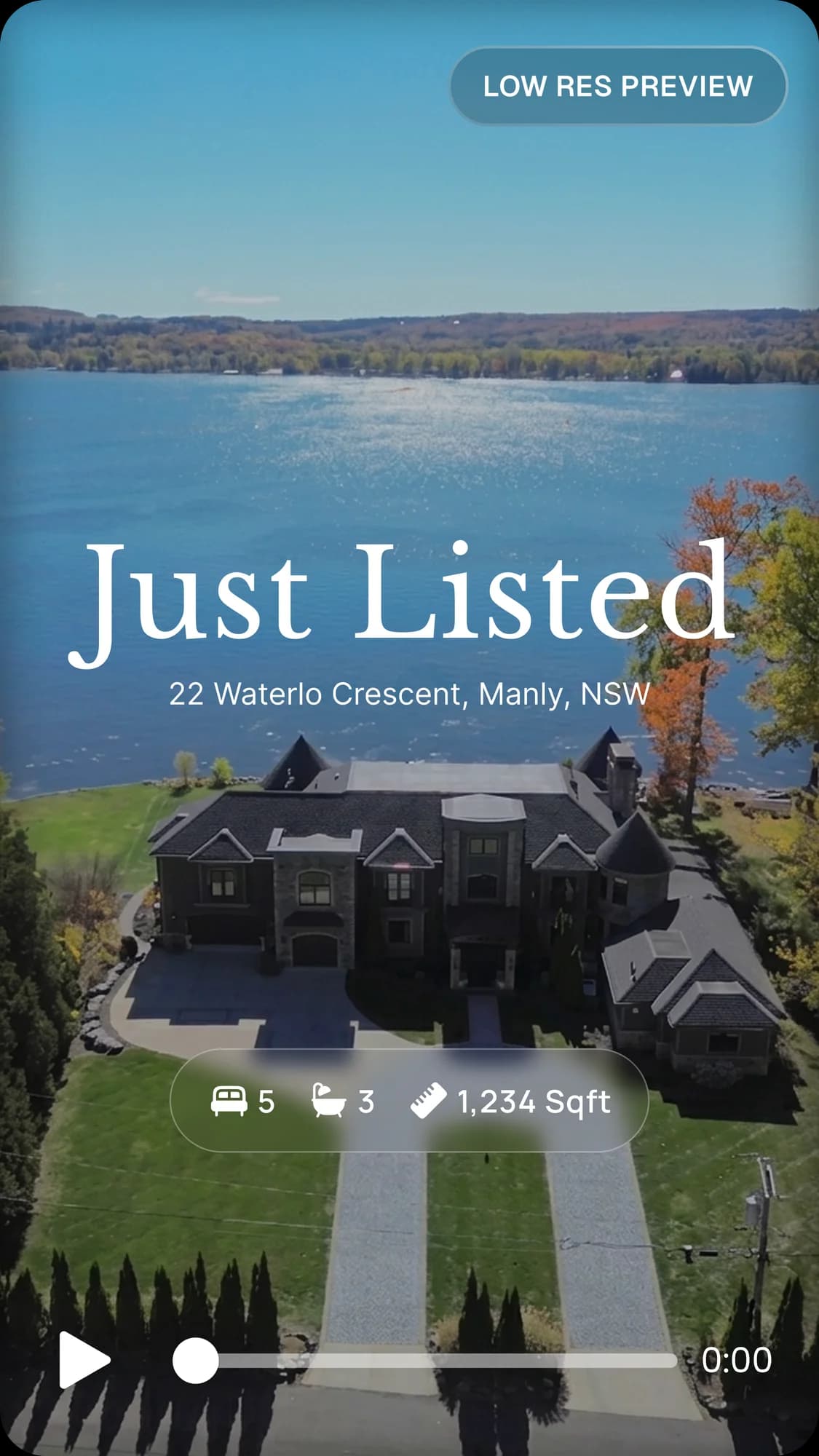
Agents use CRM, listing management, transaction, marketing and video tools. Rendy adds property videos to that stack: up to 20 listing photos in, 6 videos per listing out, with camera movement, music and your branding. It doesn't replace your CRM.
Agents rely on many tools, and each one does a different job. Rendy adds one more: property videos made from your listing photos.
Adding video to a listing
01
Start with good photos
Use professional photos, or good listing photos you already have.
02
Create the videos
Upload up to 20 photos, choose camera movements and music, and add your branding.
03
Review and post
Check each video, then post it on social media, your website and the MLS where it allows video.
04
Add it to every listing
Make a property video for each listing you take on, so every property has one.
Rendy works alongside your CRM and listing tools, adding a property video to each listing.
Adding video to a listing
- 1
Start with good photos
Use professional photos, or good listing photos you already have.
- 2
Create the videos
Upload up to 20 photos, choose camera movements and music, and add your branding.
- 3
Review and post
Check each video, then post it on social media, your website and the MLS where it allows video.
- 4
Add it to every listing
Make a property video for each listing you take on, so every property has one.
Rendy works alongside your CRM and listing tools, adding a property video to each listing.
Built to fit into an agent's stack
Rendy doesn't replace your CRM or listing software. It creates the property video that goes alongside them.
Choosing your tools
Pick tools that solve a specific problem. Compare pricing and ease of use, and check how well each one fits your workflow. Many agents use a few tools together.
Tool categories for agents
CRM
Manages contacts and leads.
Listing management
Keeps listing details and status in one place.
Transaction management
Manages each deal from offer to closing.
Marketing
Plans and sends campaigns and social content.

Photo and video
Creates the visuals that sell the property. Rendy is here.
Frequently asked questions
What are the most useful tools for agents?
It depends on your work. Common ones are CRM, listing management, marketing and video tools.
Do agents need video?
Video helps listings stand out on social media and in presentations. Whether it's worth it depends on your marketing plan.
Can I make videos from my listing photos?
Yes. Upload up to 20 photos per listing to create 6 videos.
Does Rendy replace my CRM?
No. Rendy makes videos. A CRM manages contacts and leads.
Can I use Rendy videos on social media?
Yes. Vertical videos suit Reels, TikTok and Shorts. Check each platform's requirements before posting.
How do I get started?
Go to rendy.io, apply for access, and upload your first listing.
Explore more
AI for real estate agents
See how AI helps real estate agents market listings. Turn your listing photos into property videos with Rendy, with music, branding and vertical and landscape formats.
Real estate marketing tool
Create property marketing videos from listing photos with Rendy. Camera movements, music, branding and vertical and landscape formats for photographers, agents and agencies.
Real estate video editor
Turn real estate listing photos into property videos with Rendy. Choose camera movements, music and branding, and get vertical and landscape videos in about 4 minutes per listing.
Upsell video on every shoot.
Try Rendy on your next listing today.