Rendy for ai real estate photo editing
AI real estate photo editing
AI real estate photo editing covers enhancing, staging and reusing property images. Rendy does photo-to-video: it uses your listing photos as the starting point for moving video with camera movement, music and branding. Rendy isn't a photo retouching tool, so use a photo editor for retouching.
AI tools can enhance photos, stage rooms and create video. Rendy focuses on the last one: turning your listing photos into finished property videos.
How to make a video with Rendy
01
Upload up to 20 listing photos
JPEG, JPG, WebP or PNG.
02
Choose camera movements, music and branding
Pick a movement for each clip or let Auto choose.
03
Download 6 videos
Vertical (9:16) and landscape (16:9) videos for each listing, in about 4 minutes.
04
Choose your formats
Each listing comes out in vertical and landscape, so every channel gets the right shape.
Rendy uses your listing photos as the starting point for video, adding camera movement to each clip.
How to make a video with Rendy
- 1
Upload up to 20 listing photos
JPEG, JPG, WebP or PNG.
- 2
Choose camera movements, music and branding
Pick a movement for each clip or let Auto choose.
- 3
Download 6 videos
Vertical (9:16) and landscape (16:9) videos for each listing, in about 4 minutes.
- 4
Choose your formats
Each listing comes out in vertical and landscape, so every channel gets the right shape.
Rendy uses your listing photos as the starting point for video, adding camera movement to each clip.
Built for people who work with property photos
Photographers, agents, marketing agencies and media companies use Rendy to get more out of the photos they already have.
Be transparent about edits
If you use AI to change a photo, show that clearly, and never present the property as something it isn't.
Photo editing vs. photo-to-video
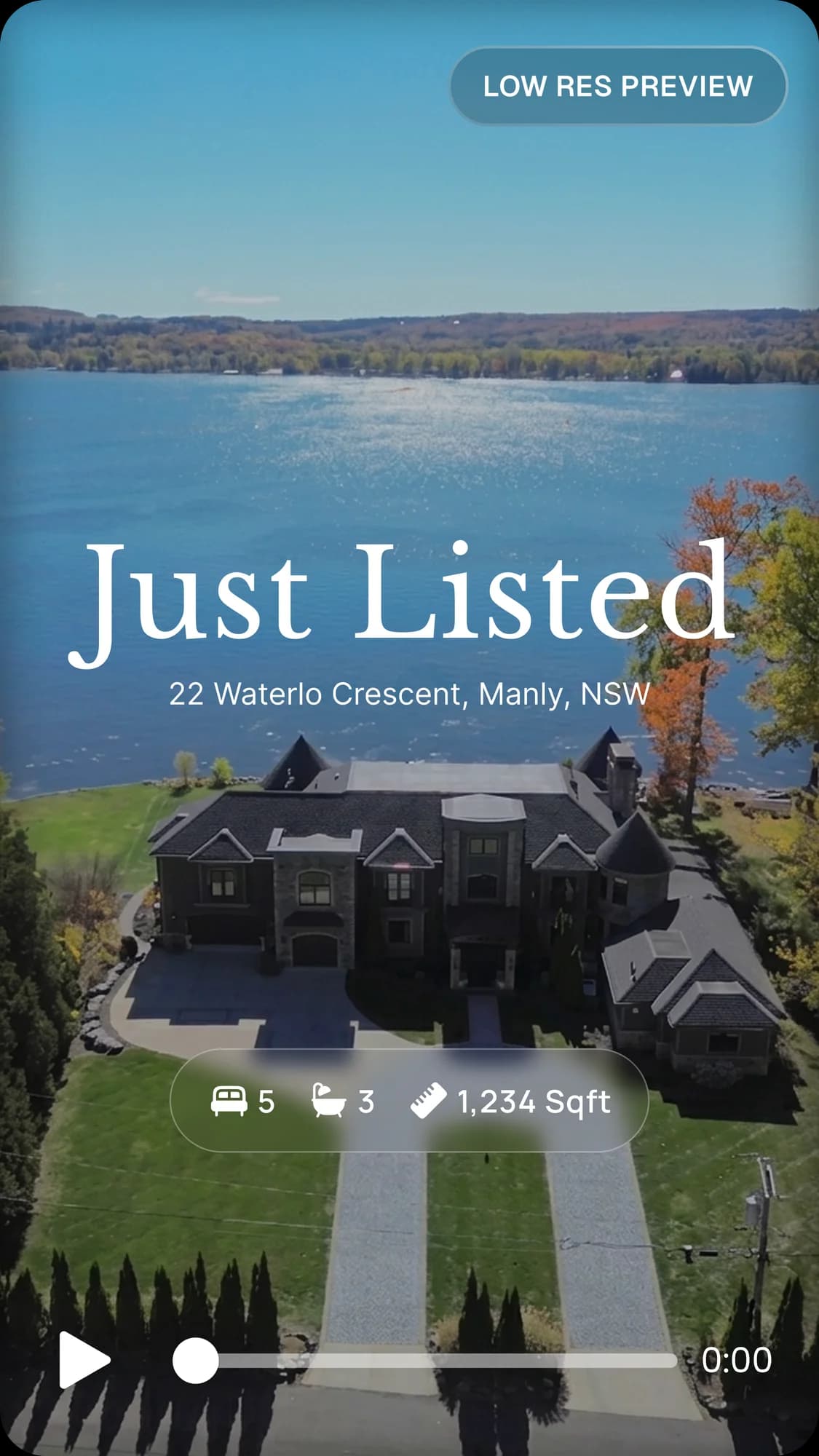
Photo editing
Changes the image itself, through lighting, enhancement or retouching.
Virtual staging
Adds furniture and decor to empty rooms in the image.
Photo-to-video
Uses still photos as the starting point for moving scenes with camera movement. Rendy does this.
Frequently asked questions
What is AI real estate photo editing?
AI-assisted work on property images, such as enhancement, lighting, virtual staging or photo-to-video, depending on the tool.
Can AI turn real estate photos into videos?
Yes. Rendy turns up to 20 listing photos into 6 videos per listing.
Does Rendy edit photos?
Rendy's main job is turning photos into video. It isn't a photo retouching tool.
What is the difference between photo editing and photo-to-video?
Photo editing changes a still image. Photo-to-video turns still images into moving video.
Who uses Rendy?
Real estate photographers, agents, marketing agencies and media companies.
How do I get started?
Go to rendy.io, apply for access, and upload your first listing.
Explore more
Real estate video editor
Turn real estate listing photos into property videos with Rendy. Choose camera movements, music and branding, and get vertical and landscape videos in about 4 minutes per listing.
Real estate AI tools
Explore AI tools for real estate marketing, including AI video creation. See how Rendy turns listing photos into property videos for photographers, agents and agencies.
Best AI for real estate
Find the right AI tool for real estate. Compare writing, photo, staging and video tools, and see how Rendy turns listing photos into property videos.
Upsell video on every shoot.
Try Rendy on your next listing today.